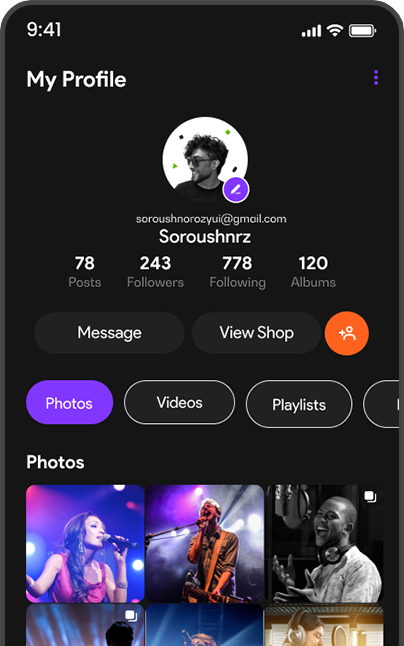
Every user has a profile; for creators, it also functions as a destination with tabs for posts, music, podcasts, video, live broadcasts, a store, and events, with follow, message, subscribe, or tip options depending on the account.
Controls over what’s visible on a profile and to whom, public or private visibility, who can message or tag the user, and whether follows, playlists, or online status are shown to others.
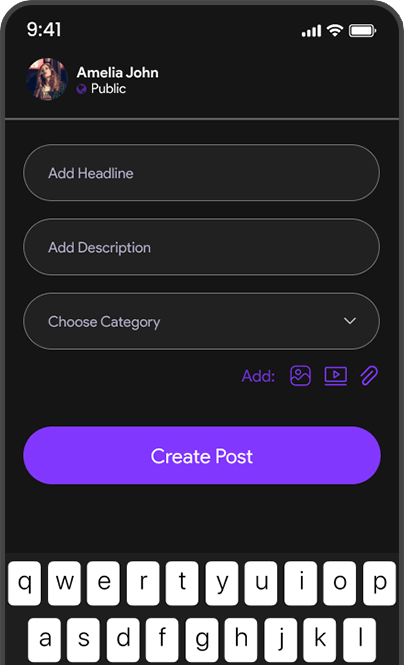
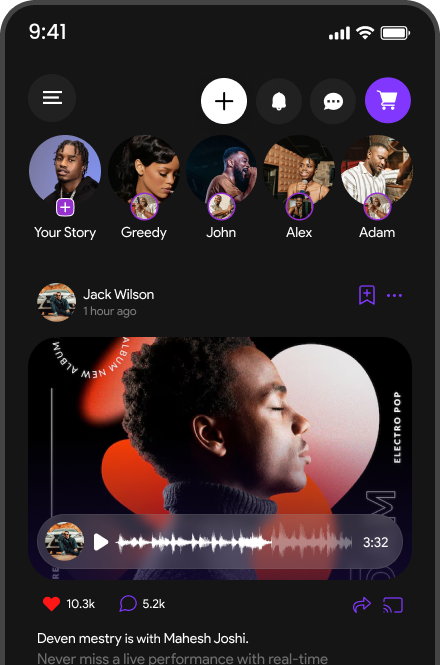
Combines text, photos, video, polls, or a link to eligible music, a podcast, a product, or an event into a single piece of social content, with an audience setting chosen before publishing.
Vertical short-form video with trimming, captions, effects, and licensed audio, plus optional Hey DJ help for clip selection, captions, or hashtags, published to a profile, follower feed, and the Reels discovery surface.
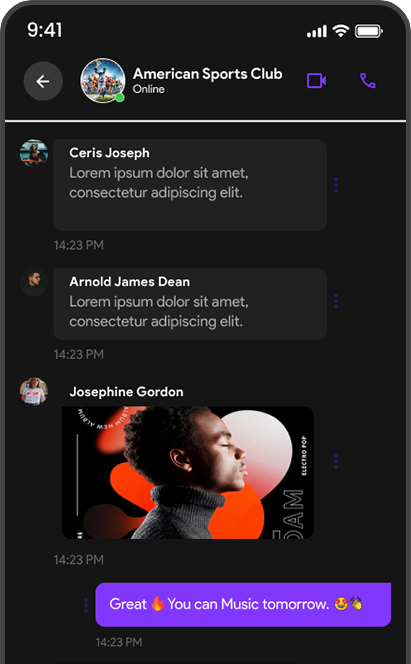
Private one-on-one or group messaging with text, voice notes, media, and shared Musify content, along with the usual reply, react, forward, mute, and report or block controls.
A shared playlist that invited collaborators can each add to, remove from, and reorder according to permissions the owner sets, and which can also be used to start a Listen Together session.
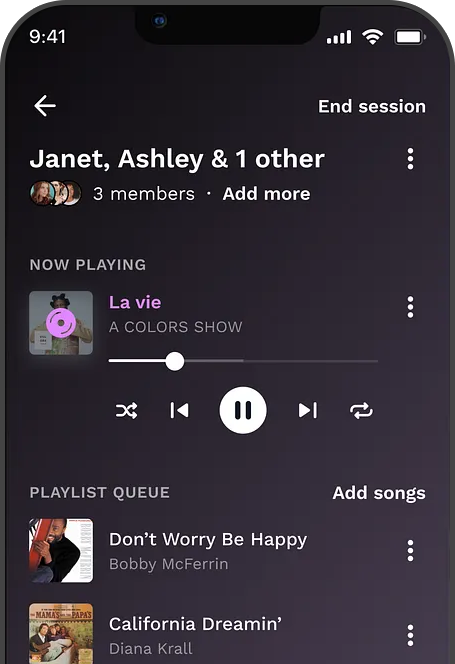
A synchronized listening session where invited participants hear the same track at the same playback position, with shared chat or reactions and host-controlled playback.